Walk into almost any high street barbershop today and you will still find a paper appointment book on the counter. It works — until it doesn't. A missed phone call, a double-booking, or a no-show with no way to fill the slot can cost a barber hundreds of pounds a month. Online booking solves all three problems at once, and setting it up is far simpler than most shop owners expect.
Why online booking matters for barbers
Clients increasingly expect to book services the same way they order food or hail a taxi — instantly, from their phone, at 11 pm on a Sunday. Research from the hair and beauty sector consistently shows that a significant share of bookings happen outside business hours, precisely when a phone line is unmanned. Every missed after-hours enquiry is a booking that goes to a competitor who does offer digital scheduling.
Beyond convenience, online booking creates a paper trail. You know exactly who is coming in, when, and for what service. That data feeds into no-show management, client retention, and revenue forecasting in ways a paper diary simply cannot.
Step 1 — Choose software built for hair professionals
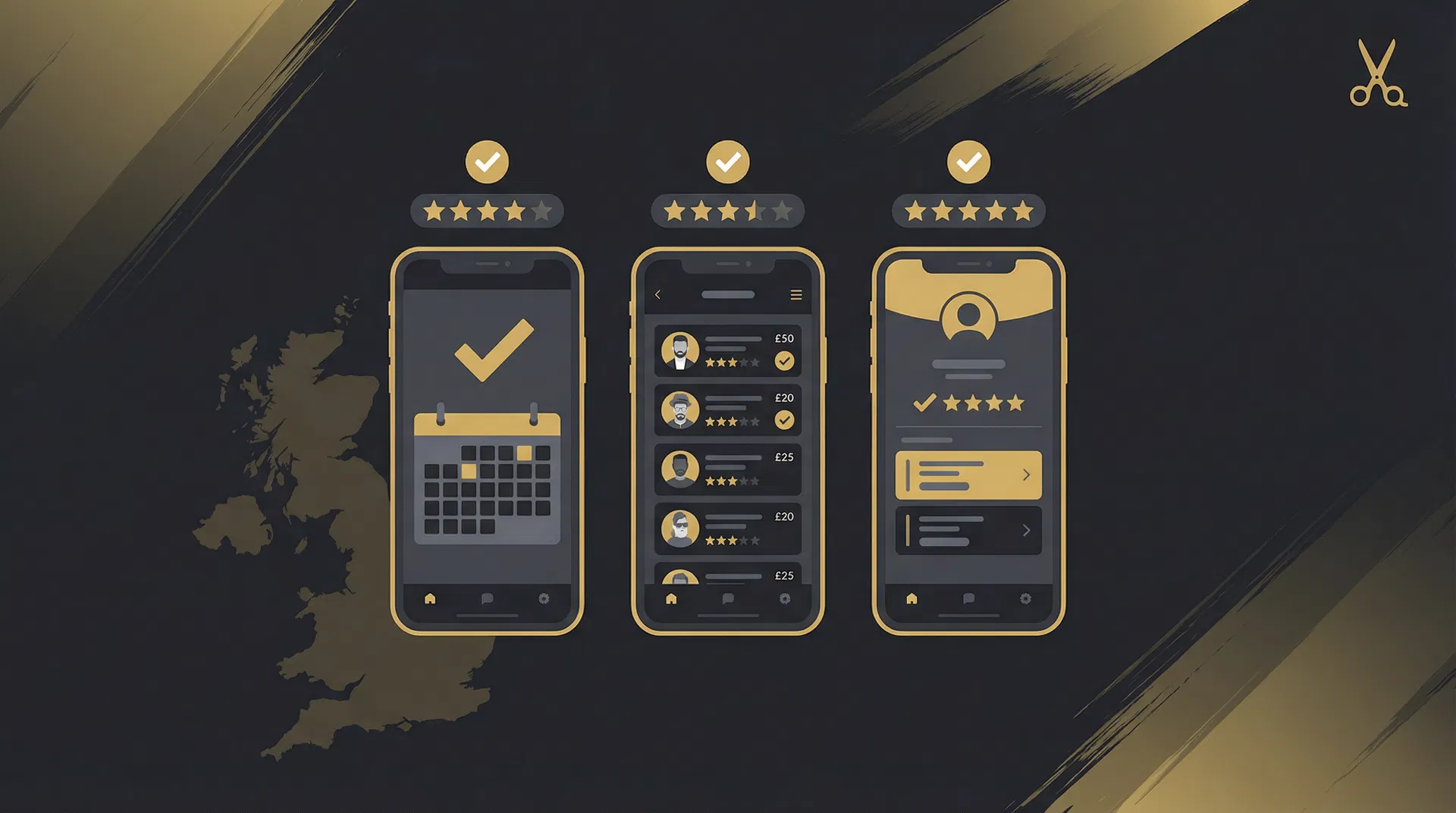
Generic booking tools designed for dentists or yoga studios rarely fit the workflow of a barbershop. Look for software that understands service durations (a skin fade takes longer than a dry cut), supports multiple barbers under one roof, and lets clients choose their preferred professional. HairPlan was built specifically for this: each barber gets their own calendar, clients see real-time availability, and the shop owner sees everything in one dashboard.
Step 2 — Set up your service menu
Before you go live, define your services clearly. Each service needs a name, a duration, and a price. Be precise about duration — if a haircut and beard trim takes 45 minutes but you only block 30, you will run late all day. Common services to add:
- Haircut (standard)
- Skin fade
- Beard trim
- Haircut + beard combo
- Kids cut
- Cut and blow-dry (for hairdressers)
Step 3 — Set your availability
Configure your opening hours and any recurring days off. If you take a lunch break or have a standing appointment every Tuesday afternoon, block those times now. Most booking platforms let you set this once and have it repeat automatically, so you are not manually updating a calendar every week.
Step 4 — Share your booking link
Once your calendar is live, you get a unique booking URL — for example, hairplan.ai/book/your-shop-name. Put this link everywhere your clients might look for you:
- Your Instagram bio
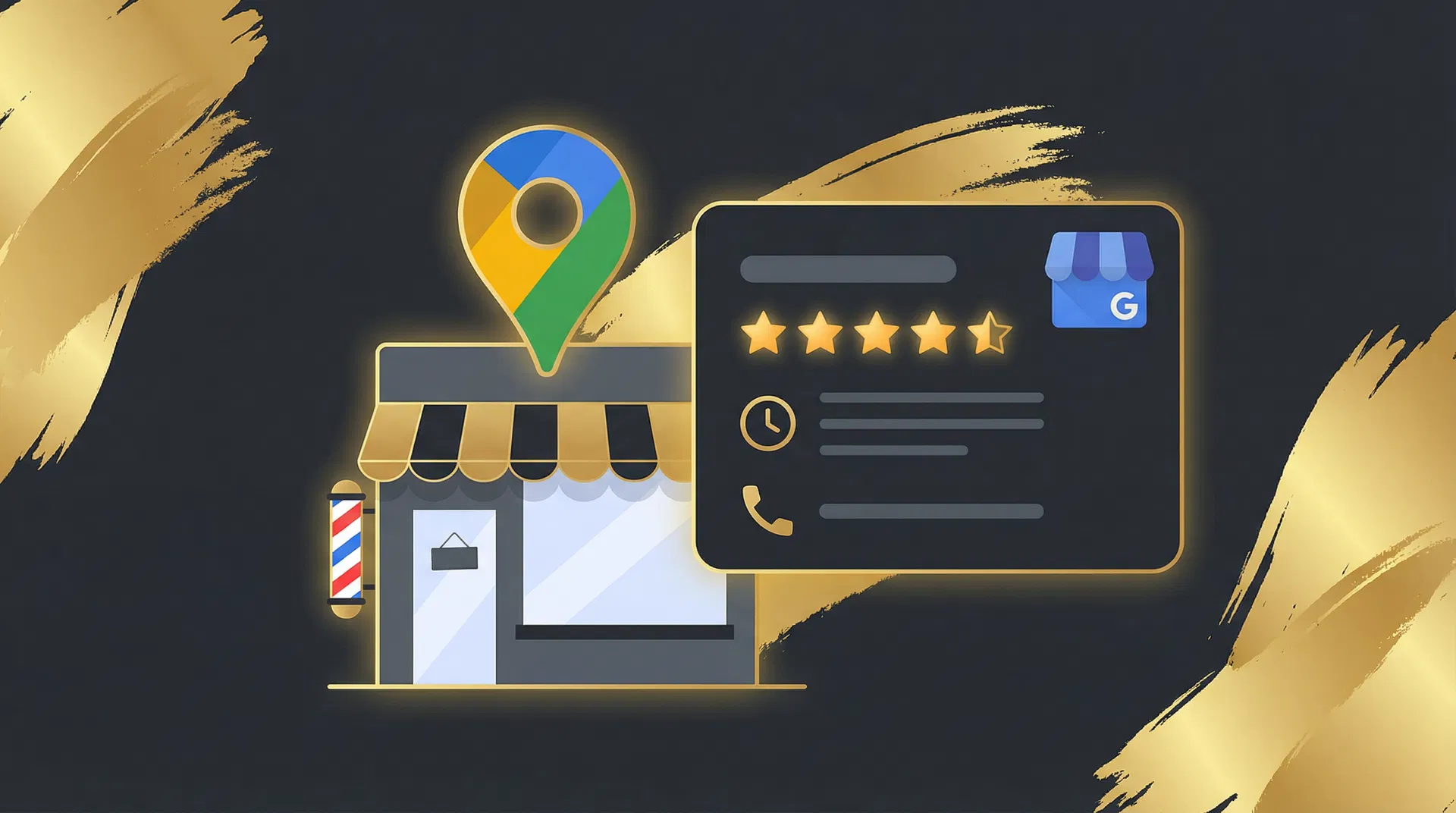
- Your Google Business Profile
- A QR code printed on your counter card or business card
- Your WhatsApp status or auto-reply message
Step 5 — Enable deposit payments to cut no-shows
The single most effective way to reduce no-shows is to require a small deposit at the time of booking. Even a £5 deposit dramatically reduces the number of clients who simply forget or change their mind without cancelling. HairPlan integrates Stripe for this, so clients pay securely online and you receive the funds automatically.
Going live in under an hour
If you have your service list and opening hours ready, you can be taking online bookings within an hour of signing up. Start with a free account, add your services, share your link with a few regulars, and let them test the flow. Once you are comfortable, promote it more widely. Most barbers see their first online booking within 24 hours of going live.