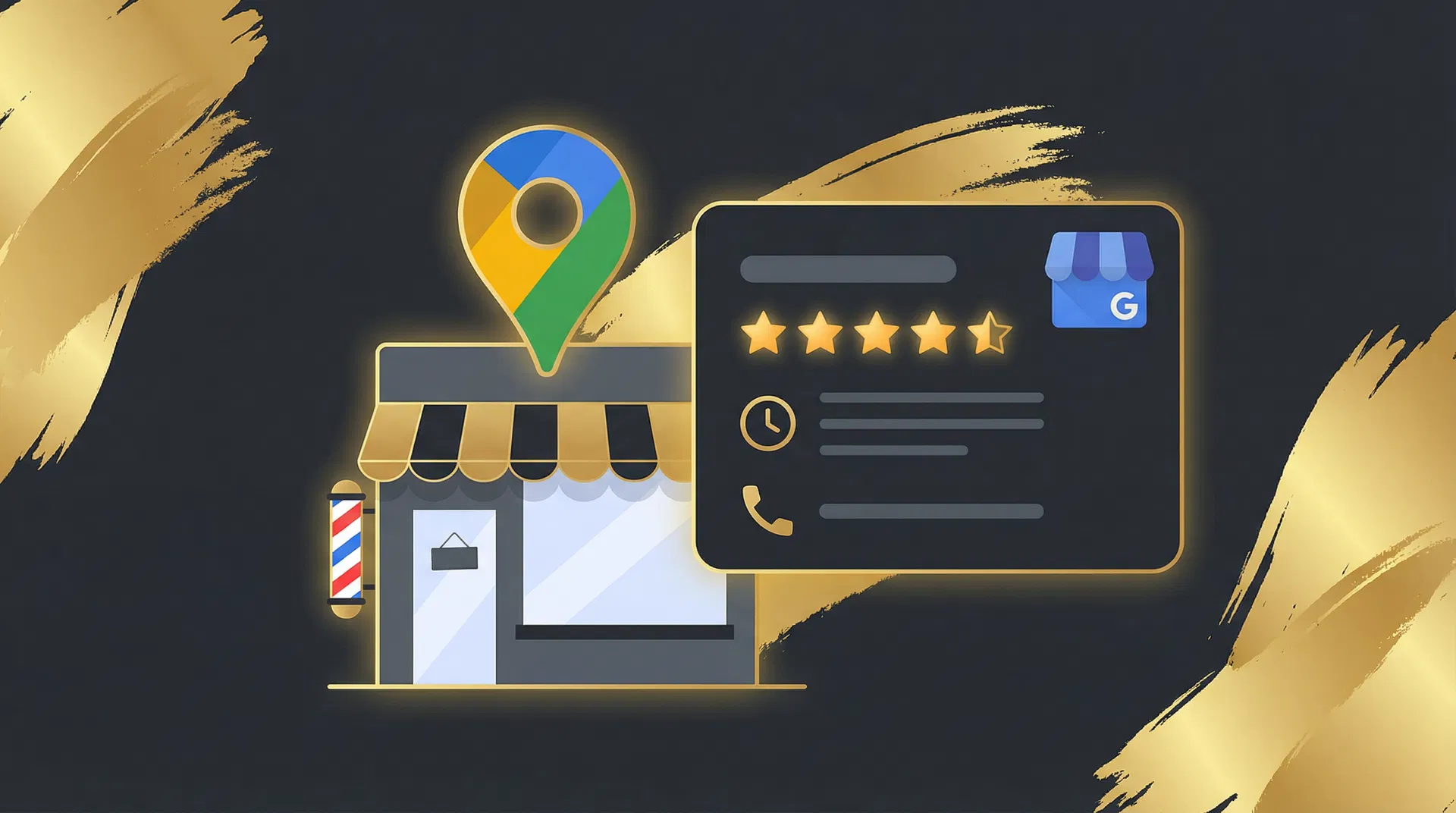
When someone searches "barber near me" or "hairdresser in [your town]", the first thing they see is not a website — it is a Google Business Profile. That panel on the right side of the search results, or the map listing at the top, is where the vast majority of local discovery happens. If your profile is incomplete, outdated, or missing entirely, you are invisible to the people most likely to book with you.
Step 1 — Claim your profile
Go to business.google.com and search for your business name. If it already exists (Google often creates placeholder listings from public data), claim it. If not, create a new one. You will need to verify ownership — Google typically sends a postcard with a verification code to your business address, though phone or email verification is sometimes available.
Do not skip verification. An unverified profile has severely limited visibility and cannot respond to reviews or post updates.
Step 2 — Complete every field
Google rewards completeness. Fill in every available field:
- Business name — Use your real trading name. Do not stuff keywords into it (e.g., "Best Barber Manchester" will get your profile suspended).
- Category — Choose "Barber shop" or "Hair salon" as your primary category. You can add secondary categories like "Men's hair salon" or "Beauty salon".
- Address — Ensure it matches your shopfront exactly. Google cross-references this with other data sources.
- Phone number — Use a local number, not a mobile, if possible. Local numbers signal legitimacy.
- Opening hours — Keep these accurate and update them for bank holidays. Incorrect hours are the fastest way to earn a negative review.
- Website — Link to your booking page, not just your homepage. Make it as easy as possible for someone to go from search to booking in one click.
- Booking link — Google now supports a dedicated "Book" button. Add your booking URL here (e.g.,
hairplan.ai/book/your-shop).
Step 3 — Add high-quality photos
Profiles with photos receive significantly more clicks than those without. Upload at least ten photos: your shopfront (so clients can recognise it from the street), your interior, your team at work, and examples of your best haircuts. Update your photos monthly — Google favours profiles with recent activity.
Photo quality matters. Use good lighting, avoid cluttered backgrounds, and shoot at eye level. A phone camera is fine as long as the images are sharp and well-lit.
Step 4 — Get reviews (and respond to every one)
Reviews are the single most influential factor in local search ranking and client decision-making. A barbershop with 50 reviews averaging 4.8 stars will consistently outrank a competitor with 5 reviews, even if the competitor's website is better optimised.
Ask for reviews at the end of every appointment. The easiest method is a QR code on your counter or mirror that links directly to your Google review page. You can generate this link from your Google Business Profile dashboard. Keep the ask casual: "If you're happy with the cut, a quick Google review would really help us out."
Respond to every review — positive and negative. A simple "Thanks, [name] — see you next time!" shows that you are engaged and attentive. For negative reviews, respond professionally, acknowledge the issue, and offer to make it right. Never argue publicly.
Step 5 — Post regular updates
Google Business Profile has a "Posts" feature that lets you share updates, offers, and events directly on your profile. Most barbershops ignore this entirely, which means using it gives you an easy advantage. Post once a week: a photo of a recent haircut, a seasonal offer, or a note about holiday hours. Each post stays visible for seven days and signals to Google that your business is active.
Step 6 — Add your services and prices
Google now lets you list individual services with descriptions and prices directly on your profile. This is valuable for two reasons: it helps clients understand what you offer before they contact you, and it gives Google more content to index, improving your visibility for service-specific searches like "skin fade near me" or "balayage Manchester".
Common mistakes to avoid
- Keyword-stuffing your business name (Google will suspend your profile).
- Using a PO Box or virtual office address (Google requires a real, staffed location).
- Ignoring negative reviews (silence looks worse than a thoughtful response).
- Letting your hours go out of date (especially around bank holidays).
- Not adding a booking link (you are leaving money on the table).